Audio to text
Turn audio into text, with each speaker separated
Drop in an MP3, a voice note, a video or a link, and Whisperall turns it into editable text in your notes, with each speaker separated and the time of each turn. Files can run up to 10 hours and 5 GB, and you can send up to 500 at once.
Free to start · No card · Windows, macOS and Linux

How it works
Add your audio
Upload a file, drop a whole batch or paste a link. Audio and video both work.
Pick the language
Leave it on auto-detect or choose one of 9 languages. Speaker separation is on by default.
Get editable text
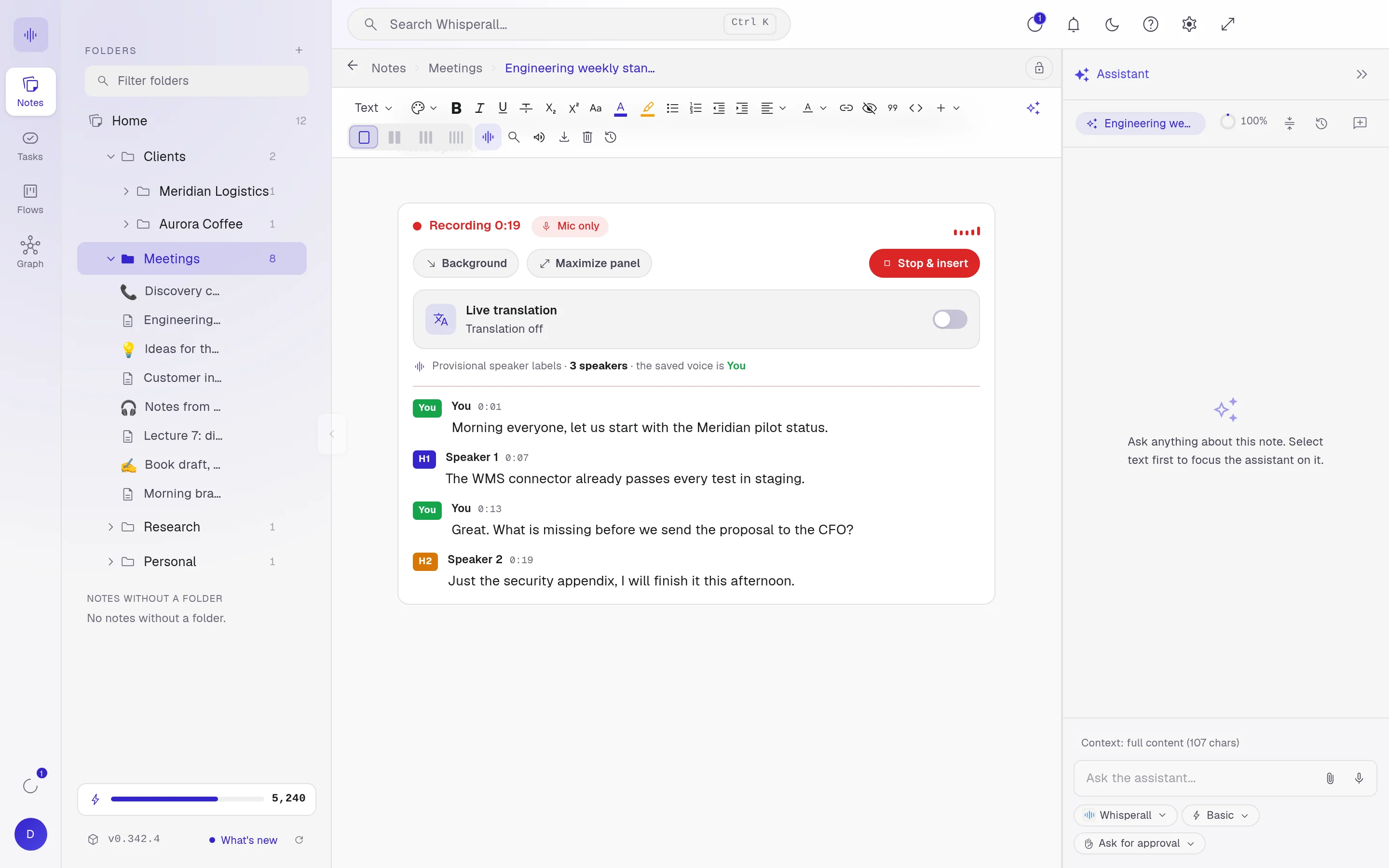
The transcript lands in your note, with each speaker separated and the start time of every turn.
Formats and sizes
Upload any audio or video file. Whisperall prepares the audio on your computer with a built-in converter, so the usual formats all work.
- MP3, WAV, M4A, AAC, OGG, OPUS, FLAC and WMA
- MP4, MOV, MKV and WEBM video
- Up to 10 hours and 5 GB per file
- Batches of up to 500 files, one after another
Speakers and times
Speaker separation is on by default. Each turn gets a label, like Speaker 1 or Speaker 2, and the minute it starts, so you can find a quote fast. Turn it off and you get clean paragraphs without times.
Then put the text to work
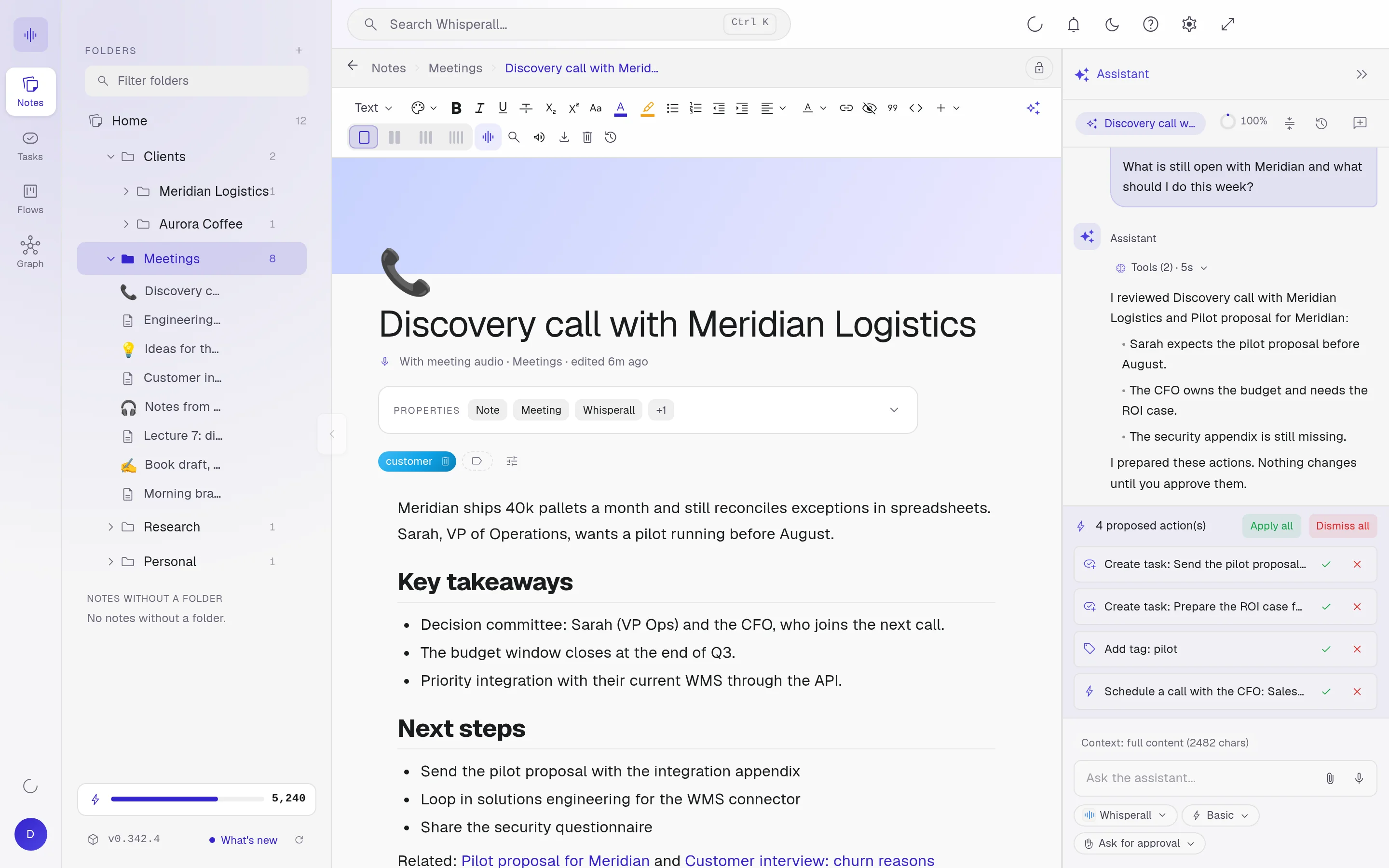
The transcript is a regular note. Edit it, search it, link it to a project and ask the assistant about it. Select a passage to focus the assistant on it, or copy the text with each speaker and their times.
Straight from a link
Paste a link from YouTube, Google Drive or another site with audio or video. Whisperall downloads the audio on your computer, up to 10 hours and 5 GB. If the video needs a login, it asks before using your browser’s session.
What it doesn’t do
Good to know before you start.
- No SRT or VTT subtitle files
- No importing a video’s own captions or whole playlists
- Timestamps come per speaker turn, not per line
- Transcription needs an internet connection
Frequently asked questions
Any audio or video file, such as MP3, WAV, M4A, AAC, OGG, OPUS, FLAC, WMA, MP4, MOV, MKV or WEBM. That includes voice notes saved from WhatsApp.
Up to 10 hours and 5 GB per file. You can upload up to 500 files in one batch, and Whisperall works through them one by one.
English, Spanish, French, Portuguese, German, Italian, Japanese, Korean and Chinese. You can also leave it on auto-detect.
Not as SRT or VTT files. Whisperall gives you editable text in a note, with the start time of each speaker turn.
Yes. The audio of the files and links you transcribe is kept with their note so you can play it back, and you can download it as MP3.
File transcription uses credits from the same pool as everything else. The free plan includes 150 credits to try it, and paid plans start at $9 a month with 2,000 credits.
Simple enough for anyone. Powerful enough for you.
Download Whisperall free and keep your notebook forever. AI is paid with credits, only when you use it.
Windows · macOS · Linux · Android and iOS on the way

 Your AI work notebook