Wispr Flow alternative
A Wispr Flow alternative that does more than dictation
Wispr Flow is a good dictation app. Whisperall also dictates in any app and cleans up what you say, with no minute cap per dictation and a native Linux app. It records meetings and transcribes files too, and keeps it all in an AI notebook, from $9 a month.
Free to start · No card · Windows, macOS and Linux
How it works
Install Whisperall
On Windows, macOS with Apple Silicon or Linux. It’s free to start and doesn’t ask for a card.
Set your shortcut
Alt+X by default, another combination, or a single key such as Right Ctrl. You change it in Settings in a few seconds.
Dictate in any app
Press it, talk and press it again. Clean text shows up where your cursor is: a chat, an email or a document.
What you expect from good dictation
The AI cleanup is always on and the format adapts to where you’re writing.
- Removes filler words and keeps only your final correction
- Short lines in a chat, paragraphs in a document
- A personal dictionary and your own style instructions
- Translates what you dictate into 12 languages
No 20-minute stop
Wispr Flow caps each dictation at 20 minutes. Whisperall has no minute cap per dictation, and the audio is saved on your computer while you talk, so a dropped connection doesn’t cost you the take.
A native Linux app
According to its help center, Wispr Flow has no native Linux app. Whisperall runs on Linux as a 64-bit AppImage. It pastes with xdotool on X11 and with ydotool on Wayland, or leaves the text in your clipboard.
And everything else in one place
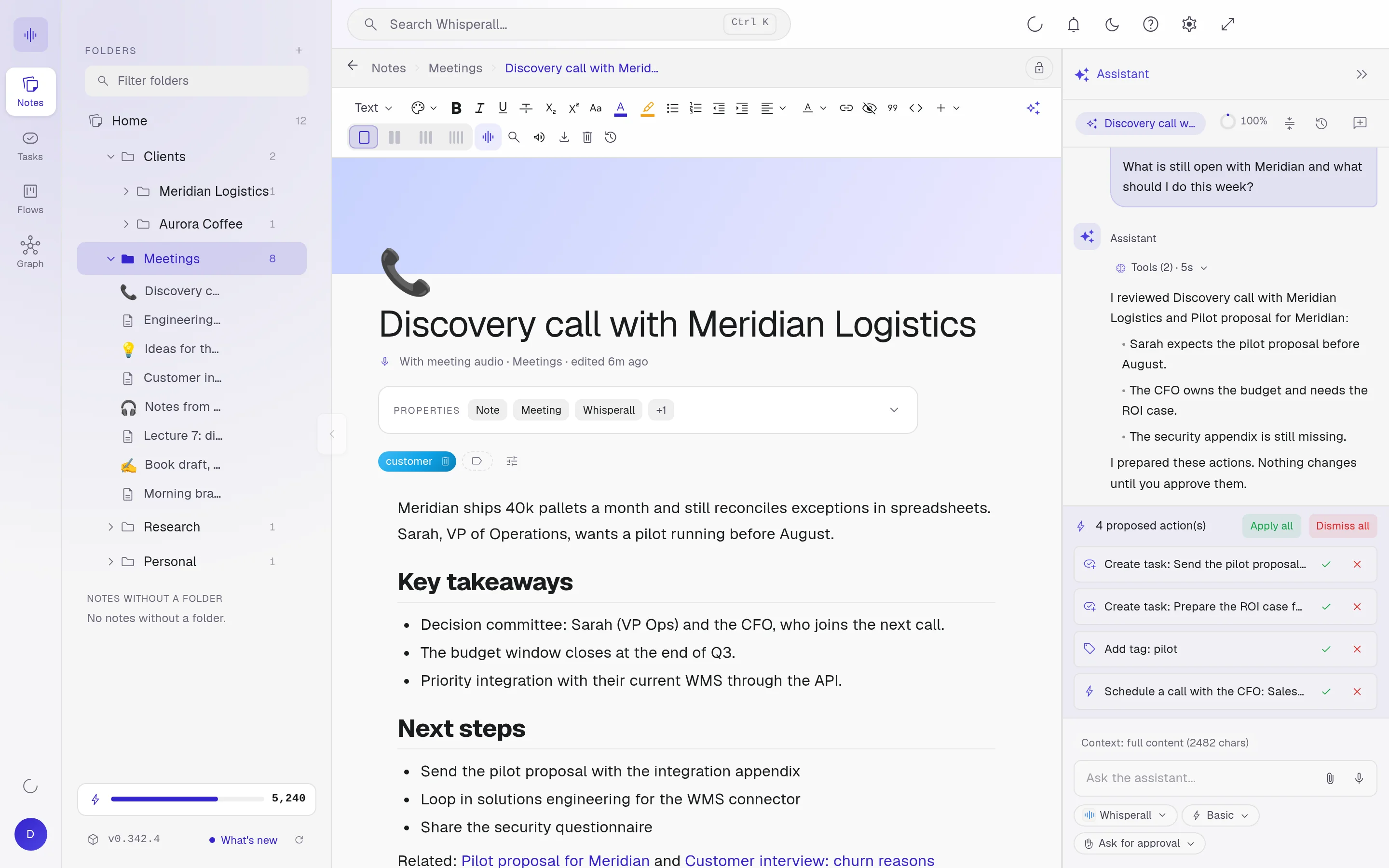
Whisperall is a work notebook. Besides dictation, it records meetings with no bot, transcribes audio and video of up to 10 hours, reads text aloud, and turns what you capture into notes, tasks and flows with an assistant that proposes while you approve.

Wispr Flow and Whisperall, side by side
Both dictate in any app. They differ in price, in limits and in where they run.
| Wispr Flow | Whisperall | |
|---|---|---|
| Paid plan | $15 a month, or $12 a month billed annually | From $9 a month |
| Free plan | 2,000 words a week on desktop | 150 credits to start, about 50 minutes of dictation |
| Dictation in any app | Yes | Yes |
| Cap per dictation | 20 minutes | No minute cap |
| Linux app | No native app | Yes, a 64-bit AppImage |
Individual plan list prices, checked on September 24, 2026 on each service’s website. Linux support as stated in Wispr Flow’s help center. Prices may change.
Frequently asked questions
Yes, as long as they don’t share a shortcut. In Whisperall you change it in Settings.
Dictation uses about 3 credits a minute. The free plan includes 150 credits once, and the $9 Starter plan includes 2,000 a month, about 11 hours of dictation.
No. You press the shortcut once to start and once more to stop, so nothing has to stay pressed while you talk.
Yes. Whisperall runs on Windows, macOS with Apple Silicon and Linux. According to its help center, Wispr Flow has no native Linux app.
Not yet. Whisperall runs on Windows, macOS and Linux today, and Android and iOS are on the way.
Simple enough for anyone. Powerful enough for you.
Download Whisperall free and keep your notebook forever. AI is paid with credits, only when you use it.
Windows · macOS · Linux · Android and iOS on the way

 Your AI work notebook