Voice dictation on Linux
Voice dictation for Linux that works in any app
Whisperall has a native Linux app. Press Alt+X, talk, and it pastes clean text where your cursor is, with xdotool on X11 or ydotool on Wayland. Meeting recording, file transcription and the whole notebook come with it.
Free to start · No card · Windows, macOS and Linux
How it works
Get the AppImage
A single 64-bit file. Make it executable and open it. There’s no deb, rpm, Flatpak or Snap package.
Press Alt+X
Global shortcuts work on X11, and on Wayland too, because there Whisperall runs in X11 compatibility mode.
Talk and it pastes
On X11 it pastes with xdotool. On Wayland it uses ydotool if you run it, and otherwise the text waits in your clipboard.
How pasting works in your session
Whisperall copies the clean text and sends Ctrl+V to the window you were in when you started dictating. It uses the tools you already have and never asks for root.
- X11: xdotool, so keep it installed
- Wayland: ydotool, if its service already runs for your user
- Neither: the text stays in your clipboard for Ctrl+V
- Alt+Shift+S pastes your last dictation again
Shortcuts on Wayland
On Wayland, Whisperall runs in X11 compatibility mode so its global shortcuts keep working. Key combinations like Alt+X are yours to change in Settings. A single key such as Right Ctrl works as a shortcut on X11 only.
Meetings need PulseAudio or PipeWire
To record a video call, Whisperall captures your computer’s audio from the monitor of your default output, which it finds with pactl on PulseAudio or PipeWire. It checks for it before offering the Virtual mode. The In person mode only needs your microphone.
The rest of Whisperall, on Linux too
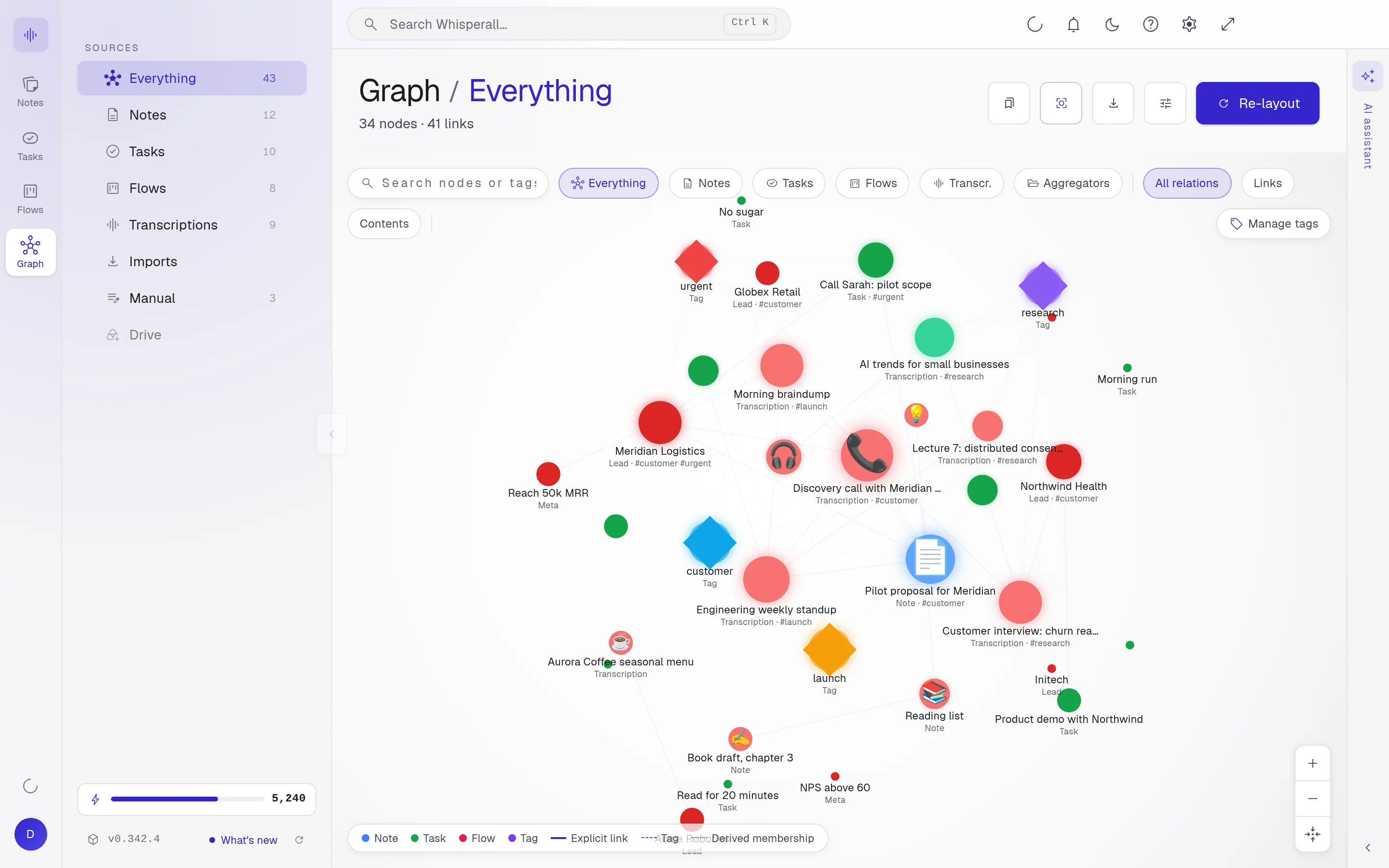
Dictation is only the start. The same app transcribes audio and video files of up to 10 hours, records meetings with each speaker separated, and keeps your notes, tasks and flows connected in one notebook. It can also open your Obsidian folder.

Frequently asked questions
No. Whisperall comes as a 64-bit AppImage, a single file you make executable and run.
Yes. Whisperall runs in X11 compatibility mode so its global shortcuts work. To paste on its own it uses ydotool if you run it, and otherwise it leaves the text in your clipboard.
Wispr Flow’s help center says it has no native Linux app. Whisperall has one: press a shortcut, talk and get clean text in any app, with meetings and file transcription included.
Yes, with PulseAudio or PipeWire. Whisperall records your computer’s audio and your microphone, with no bot in the call. Without them, the In person mode still records your microphone.
No. Dictation and transcription need the internet. The audio is saved on your computer while you talk, so you can transcribe it once you’re back online.
Dictation uses about 3 credits a minute. The free plan includes 150 credits to start, and the $9 Starter plan 2,000 a month, about 11 hours of dictation.
Simple enough for anyone. Powerful enough for you.
Download Whisperall free and keep your notebook forever. AI is paid with credits, only when you use it.
Windows · macOS · Linux · Android and iOS on the way

 Your AI work notebook