Transcription
Turn files and links into notes you can work with
Drop in an audio file, a video or a PDF, or paste a link. Whisperall turns it into text inside your note, with every speaker separated and the minute each turn starts.
Free to start · No card · Windows, macOS and Linux

How it works
Upload or paste
Audio or video up to 10 hours and 5 GB, or a link from YouTube or another page.
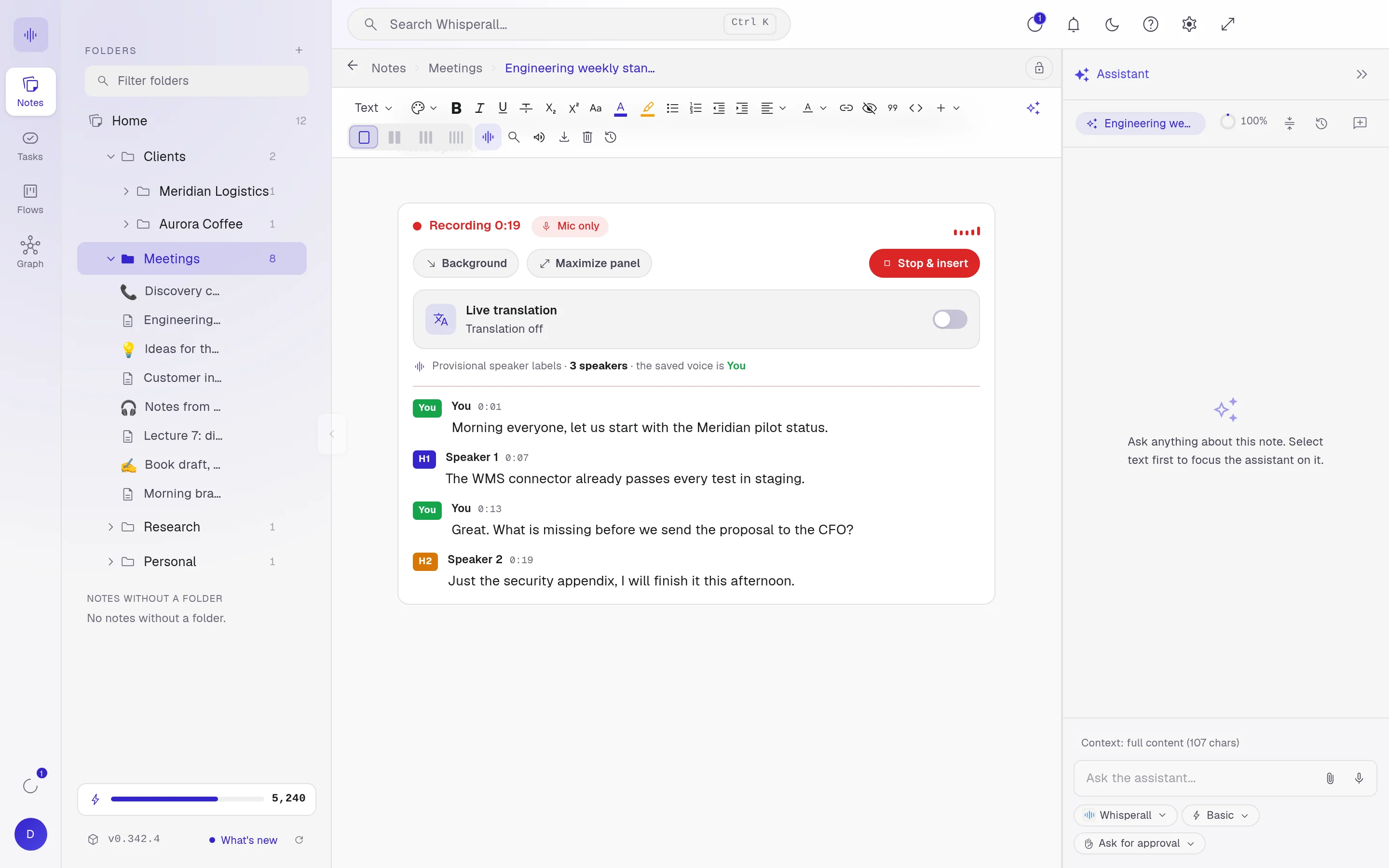
Voices get separated
Every turn shows its speaker and the minute it starts.
Work on it with AI
The transcript is editable text. Ask for a summary, the key ideas or the tasks.
In batches, each file in its own note
Upload up to 500 files at once. Each one lands in its own note inside the folder you choose.
- Spanish, English, Portuguese, French, German, Italian, Japanese, Korean and Chinese
- Replay from any turn
- Copying a passage keeps its speaker and minute
Links and documents
Paste a link from YouTube or another page and its audio comes in as text with timestamps. The audio is extracted on your own computer.
Word, EPUB and PDFs, even photos of pages, come in as text too.
Always inside the note
The transcript goes in where your cursor is, with the editor typography. It is not a separate box: it is part of your note.
Frequently asked questions
Up to 10 hours and 5 GB per file, audio or video.
To transcribe it, the audio is sent to the cloud. Files you upload are kept with their note so you can play them again.
Transcribing spends credits based on the audio length. AI uses credits: the free plan gives you 150 once and the $9 a month plan includes 2,000.
Your notes, your files, the AI you choose. You decide.
Download Whisperall free. Your notes are free forever and AI is paid with credits, only when you use it.
Windows · macOS · Linux · Android and iOS on the way

 Your AI, inside your notes