For creators
Dictate the script, finish the draft and hear it, all from one place
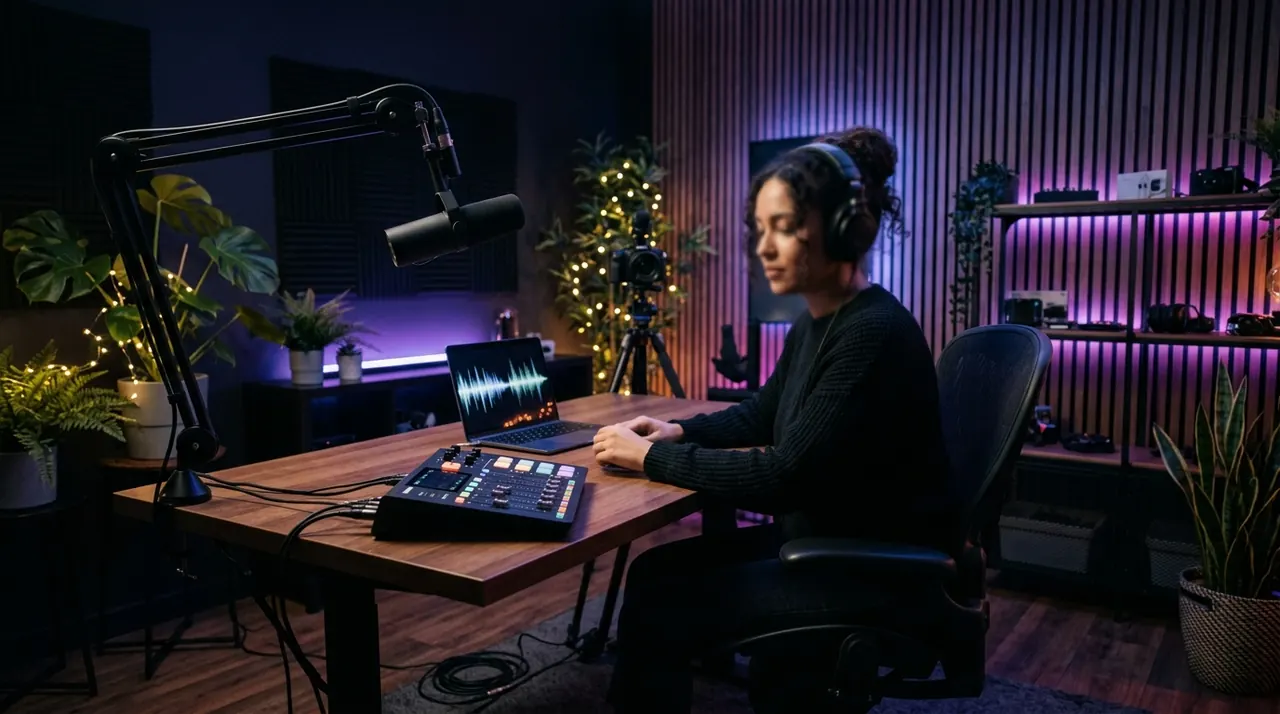
Talk the script out instead of typing it and it comes out clean, without filler words. Autocomplete helps you finish each sentence, and when it’s ready you hear it read aloud to check how it lands before you record.
Free to start · No card · Windows, macOS and Linux
How it works
Dictate the script
Press Alt+X and talk. Clean text appears at your cursor, in your note, in Google Docs or in whatever app you write in.
Finish the draft
Autocomplete suggests how to continue and you accept with Tab. Select a paragraph and ask for it to be improved, rewritten or expanded.
Hear it before you record
Whisperall reads your script aloud, from 0.75x to 3x, so you can test the pacing before the take.
What stalls the next video
The idea is rarely the problem. The hard part is turning it into a script that sounds right.
- The idea arrives when you’re not writing and is gone before you note it
- The blank script that holds up everything else
- You only hear how the script lands once you’re already recording
Dictate without breaking the idea
There is no minute cap per dictation, and the AI cleanup removes filler words and false starts.
- Style instructions so the text comes out in your tone
- A personal dictionary for names, brands and the words of your niche
- Start and stop dictation with your voice, an option you turn on in Settings
The whole project in one note
The script, loose ideas and references live in your notebook. Paste the link to a reference video and its audio lands as text, and when you’re done, export the script to Word or PDF.
Move each video through stages in a production flow, with its notes and tasks attached.

Hear your script before you record it
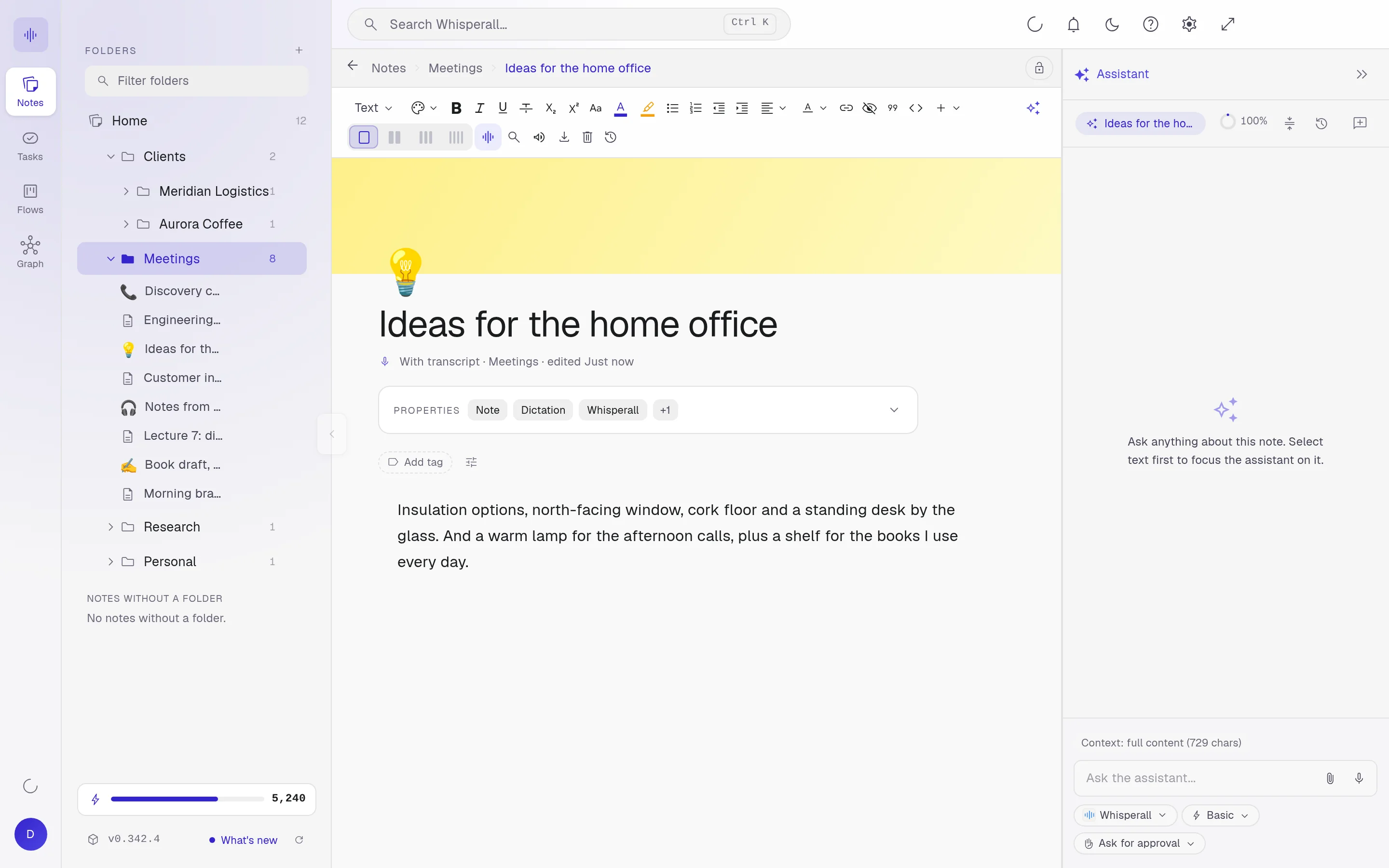
Select the text in any app and press Ctrl+Shift+R to hear it read aloud. Pick from many voices in 9 languages and set the speed from 0.75x to 3x.
How creators use it
A few concrete ideas for your next video.
- Dictate a video script and polish it with AI
- Turn a voice memo into a clean outline
- Read a script aloud to test the pacing
- Transcribe one of your videos to reuse what you said in a post
- Keep every project’s script in its own note
- Move each video through stages in a flow
- Ask your AI for another take on a paragraph, see what changes and keep your line if it sounds better
Frequently asked questions
It doesn’t create subtitle files like SRT or VTT. It does transcribe your videos’ audio, up to 10 hours, and you can copy that text into your editor.
No. Read aloud is for hearing your script on your computer, not for exporting an audio file.
Yes, in any app on your computer where you can type: Google Docs, Word, email, your script editor or your notes. The text is pasted where your cursor was when you started dictating.
Dictation uses about 3 credits a minute. The free plan gives you 150 credits once, about 50 minutes of dictation, and the $9 Starter plan includes 2,000 a month, about 11 hours.
Yes. Dictation recognizes the language you speak, and if you need it in another one, it translates what you dictate before pasting it, in 12 languages.
Simple enough for anyone. Powerful enough for you.
Download Whisperall free and keep your notebook forever. AI is paid with credits, only when you use it.
Windows · macOS · Linux · Android and iOS on the way

 Your AI work notebook