Voice dictation
Dictate in any app and the text comes out clean
Press Alt+X, talk, and press it again. Whisperall writes what you said wherever your cursor is, without the filler words and with the punctuation in place. It works on Windows, macOS and Linux, in any program where you can type.
Free to start · No card · Windows, macOS and Linux
How it works
Press the shortcut
Alt+X starts dictation in the app you’re typing in. You can change it to another combination, or on Windows and Mac to a single key, such as Right Ctrl.
Talk the way you talk
No forced pauses or special commands. If you correct yourself mid-sentence, only the final version stays.
The text lands in place
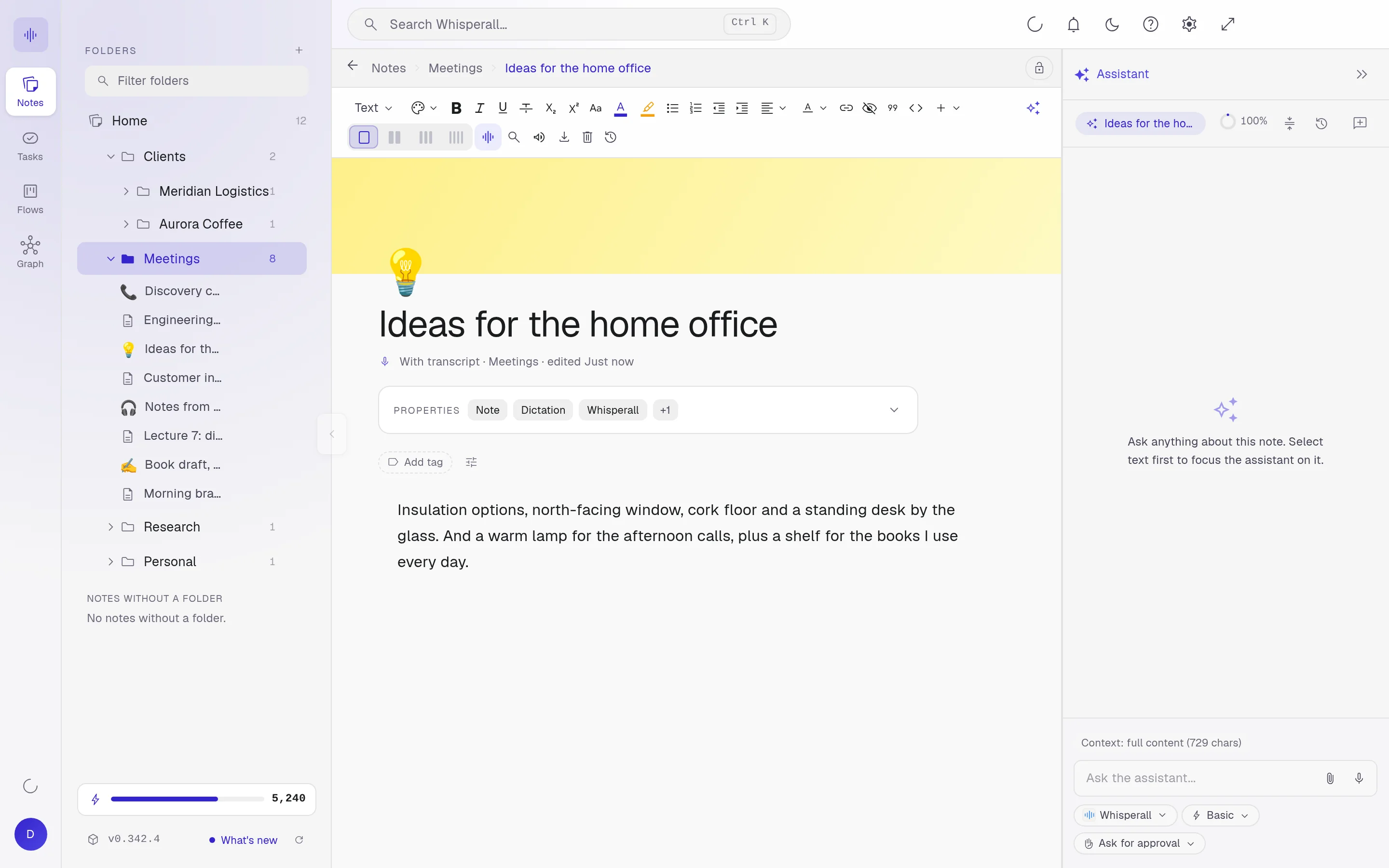
Press the shortcut again and Whisperall pastes clean text where your cursor was: a chat, an email, a document or one of your notes.
What it does with what you say
The AI cleanup is always on. It removes filler words, false starts and repeats, fixes capitalization and punctuation, and turns the punctuation you say into symbols: say “period” or “new line” and you get the mark or the line break.
- Drops “um” and “uh” when they add nothing
- Say “on Monday, sorry, on Tuesday” and only “on Tuesday” is written
- Fits the format to the app: short lines in a chat, paragraphs in a document
- Keeps your language and only translates when you ask

Your vocabulary and your style
Add the names, brands and terms you use at work to your dictionary so they’re spelled right. You can also save your own style instructions, for example to make your messages more formal or shorter.
Dictate in one language, write in another
Writing to someone who speaks another language? Whisperall translates what you dictate before pasting it, or keeps the original next to the translation. It works in 12 languages, including English, Spanish, French, German, Portuguese and Italian.
Nothing is lost if the internet drops
While you talk, the audio is saved on your computer. If the connection fails, transcribe it again from Local recordings once you’re back online. Turning speech into text does need the internet.
Frequently asked questions
Any app where you can type: Slack, Word, Google Docs, your email, your browser or your Whisperall notes. The text is pasted where your cursor was when you started dictating.
There’s no cap on minutes or words. Dictation uses credits, about 3 a minute. The free plan comes with 150 credits to start, and the $9 Starter plan includes 2,000 a month, about 11 hours of dictation.
The audio is saved on your computer even without a connection, but turning it into text needs the internet. When you’re back online, you transcribe it from Local recordings.
Yes. Whisperall installs as a 64-bit AppImage. On X11 it pastes the text with xdotool. On Wayland it pastes if you run ydotool, and otherwise the text is copied so you can paste it yourself.
Yes, with voice activation, which is off by default. Turn it on in Settings and it listens on your computer for one phrase to start and another to stop, in English or Spanish, while the widget is open.
It’s saved on your computer while you talk and sent to the cloud to be transcribed. Our servers keep the text, not the dictation audio.
Simple enough for anyone. Powerful enough for you.
Download Whisperall free and keep your notebook forever. AI is paid with credits, only when you use it.
Windows · macOS · Linux · Android and iOS on the way

 Your AI work notebook