AI notes
Talk to your AI inside your notes
Instead of copying answers out of a chat, you talk beside the note you have open. Your AI finishes your sentence when you press Tab and proposes changes, with what it removes in red and what it adds highlighted, so you decide what stays. What it can’t bring, you write.
Free to start · No card · Windows, macOS and Linux

How it works
Write or paste
A rich editor with headings, lists, tables, images and links between notes. Everything saves as you type.
Accept with Tab
When you pause, or press Ctrl+Space, a gray continuation appears. Tab accepts it, and Enter is always a new line.
Ask for a change
Select a passage and ask for a summary, a rewrite or the tasks in it. The change arrives as a proposal you accept or reject.
The conversation lives in your note
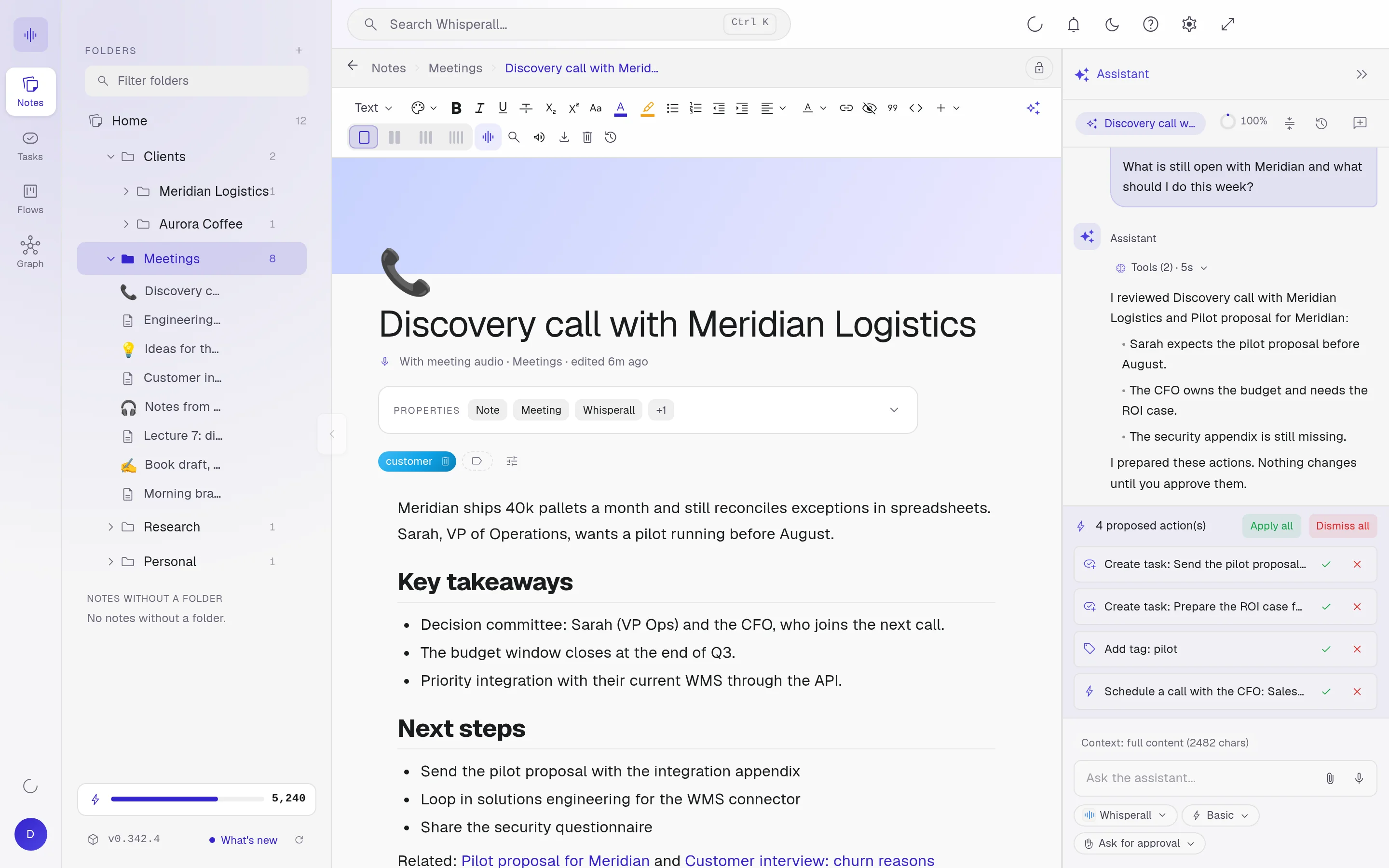
It is not a separate chat. It reads the note you are in, searches your notes by keyword and knows your tasks and flows. The conversation is saved with the note and comes back when you open it.
It can create notes, tasks and cards for you and move them between stages. Every action is reviewable: apply it all or discard it.
Proposals you review, never blind edits
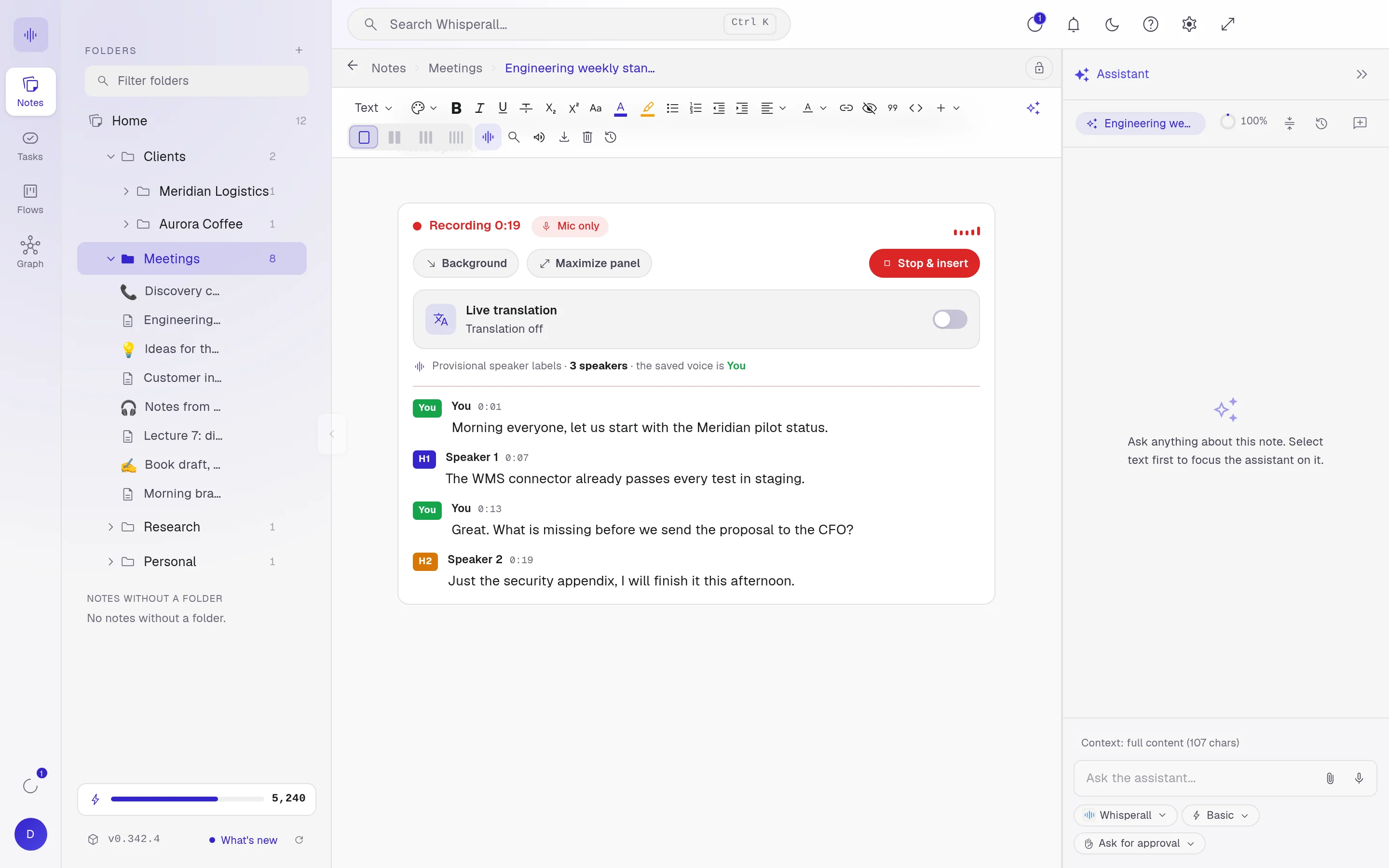
What your AI wants to remove shows in red and what it adds is highlighted. You accept or reject each change before it touches your text, then write your part on top.
- Accept or reject each proposal
- Version history to go back
- Select text to point the assistant at that part
A complete editor
Everything you expect from a good editor, with no plugins.
- Up to four notes side by side
- Search every note with Ctrl+K
- Import Word and PDF, export to Word, PDF, Markdown or text
- Folders, tags and [[wikilinks]] between notes
Frequently asked questions
No. Notes, folders, tasks, flows and graph are free forever. AI uses credits: the free plan gives you 150 once and the $9 a month plan includes 2,000.
Not by default. Every change arrives as a proposal showing what goes and what comes in, and nothing applies until you accept it. If you prefer, you can give the assistant full access or keep it read-only.
The suggestion shows in gray and only goes in when you press Tab. If you keep typing, it goes away. Enter always makes a new line.
Windows, macOS and Linux. Android and iOS are on the way.
Your notes, your files, the AI you choose. You decide.
Download Whisperall free. Your notes are free forever and AI is paid with credits, only when you use it.
Windows · macOS · Linux · Android and iOS on the way

 Your AI, inside your notes